End-User Walkthrough of Web Measurement Embedded App (WMEA)
A user goes through the following steps to obtain measurements using the WMEA. The user interacts with your single-page application throughout the entire measurement process.
1. User profile information within the application (Optional)
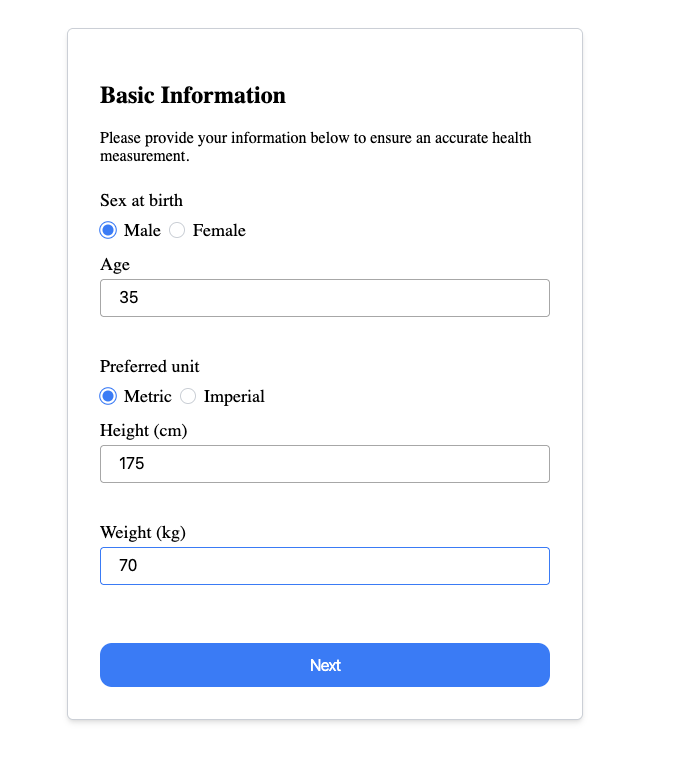
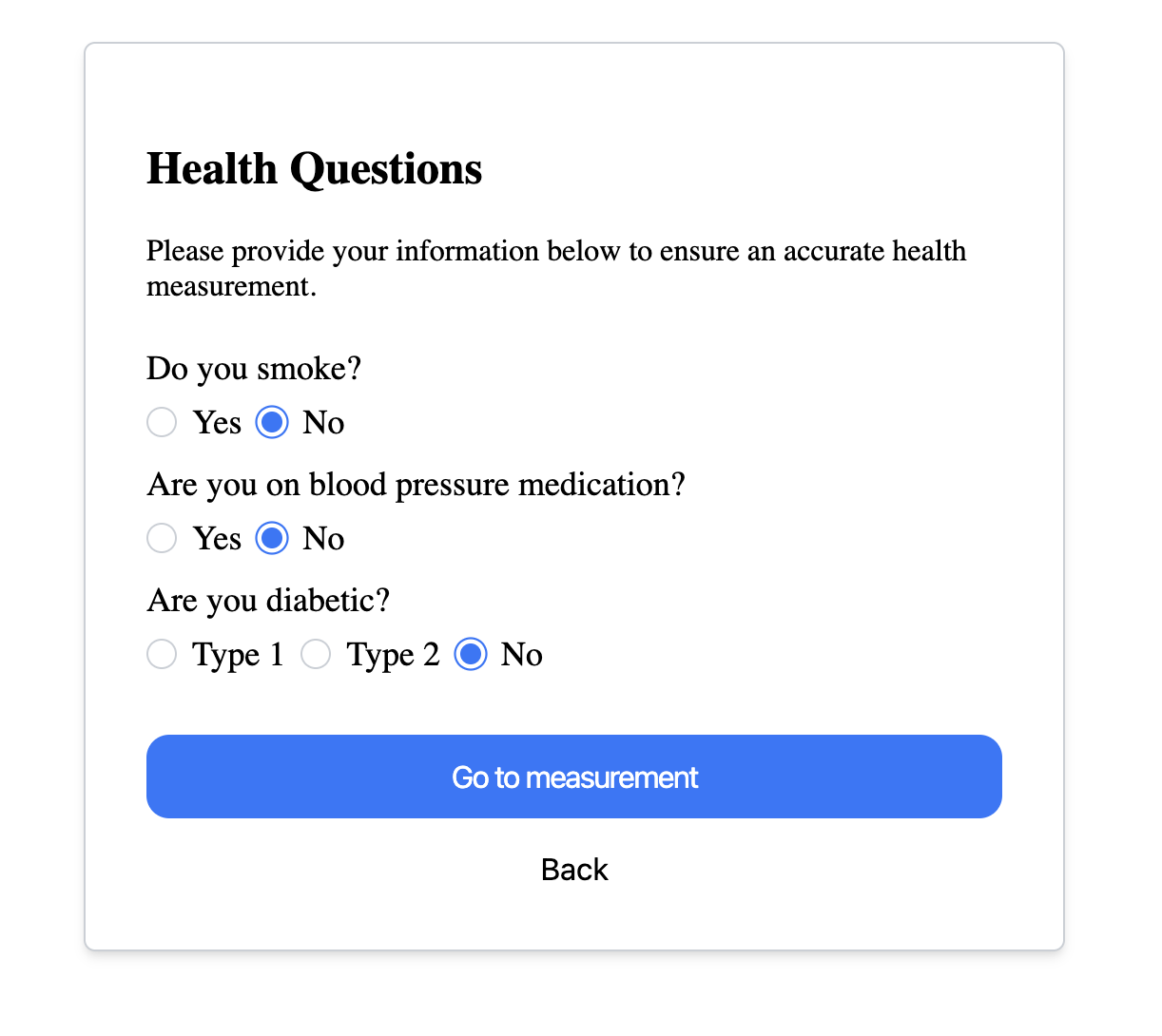
While WMEA can perform measurements without user profile information, providing profile data can enhance measurement accuracy. You may ask the user to enter the information through a profile entry form, you may already have this data stored, or you may choose to skip profile collection entirely.
An example of when the user is asked to enter profile information within your application is shown in the image below.
2. Assets download progress
Before the measurement view appears, WMEA downloads required assets. Users may briefly see a progress bar indicating download progress. On fast connections, this may only be visible for a second or two.

3. WMEA component initializes and requests camera permission
After collecting profile information, your application initializes the WMEA component within a designated container on your page.
The browser requests camera permission for the measurement.
4. Camera selection and startup
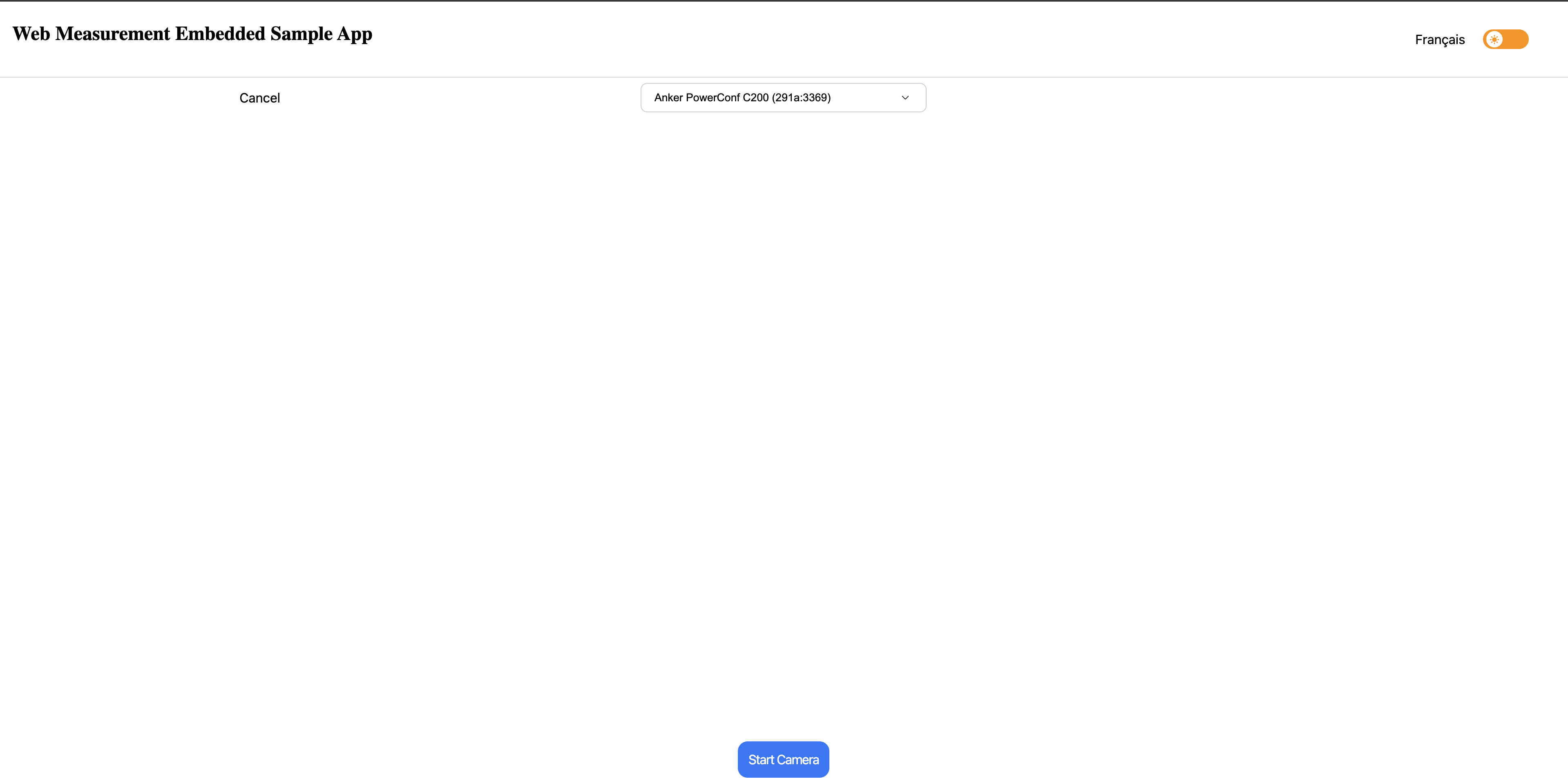
The WMEA component presents the user with available cameras on their device. The user can select their preferred camera.
Depending on your configuration, the camera may start automatically (cameraAutoStart: true)
or require user interaction to begin.
5. Measurement interface is ready
The user sees the video stream. Face tracking begins.
Stars at the bottom represent the quality of current optical conditions. Higher star ratings indicate better measurement conditions.
6. Measurement in progress
The measurement begins. A 30-second progress timer shows the user how much time remains.
About 15 seconds into the measurement, an intermediate heart rate reading should appear as a number displayed within a red heart icon.
7. Processing measurement data
After data collection completes, the user sees a circular progress indicator within the WMEA component while the measurement is processed by DeepAffex Cloud.
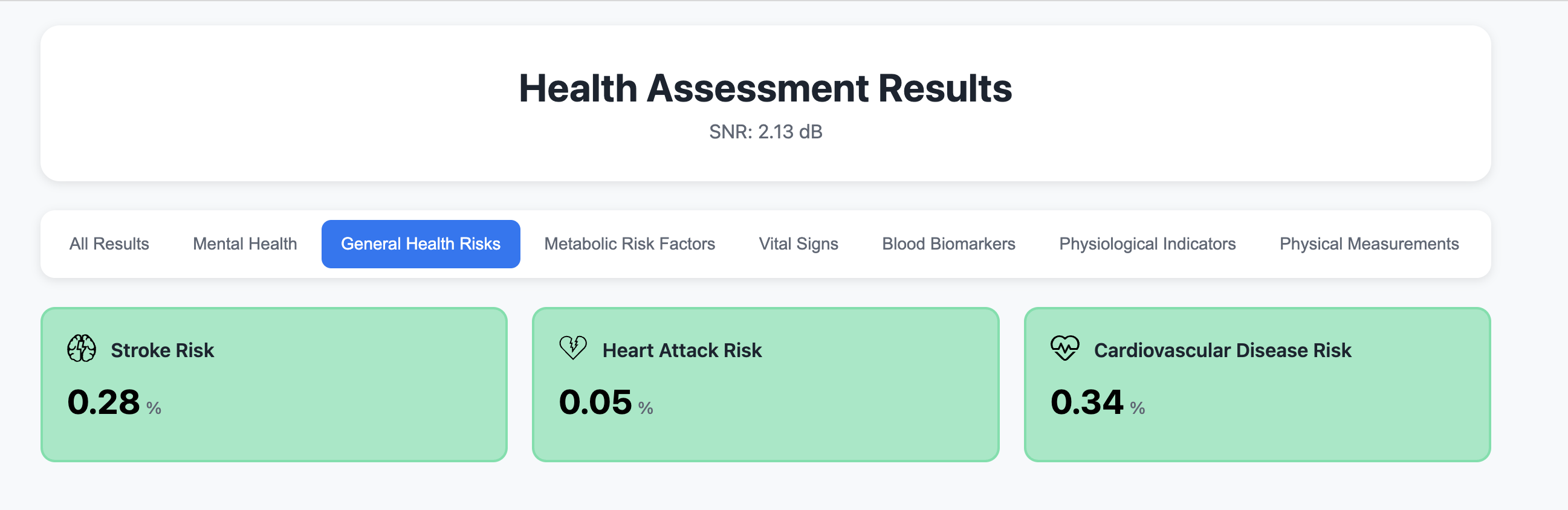
8. Results delivered immediately
Your application receives structured measurement data and can immediately display results to the user or store them.